
FAQs
Where can I find a store near me that carry withinUs products?
Where can I find a store near me that carry withinUs products?
When will my order be processed?
When will my order be processed?
I haven’t received my order yet. What should I do?
I haven’t received my order yet. What should I do?
How do I update my billing address?
How do I update my billing address?
You May Also Like

Daily Stack
Founder's Bundle
$152.64 CAD
(20% OFF)

Menopause Awareness Bundle
$60.13 CAD
(30% OFF)

Compostable
80 Servings
4.9 Stars
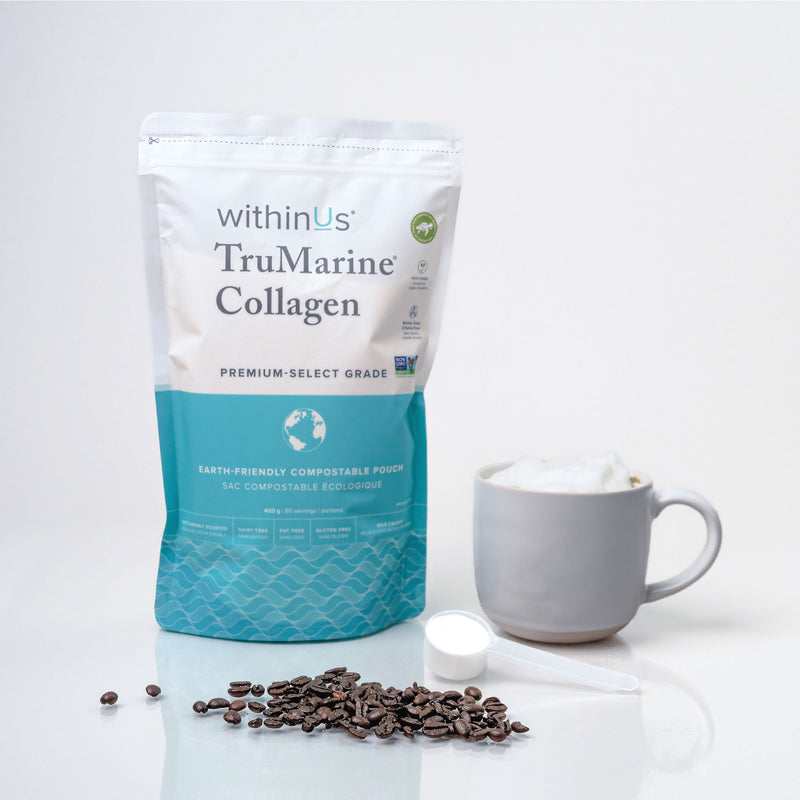
TruMarine® Collagen Compostable Pouch 80 Servings
$89.95 CAD
Get your routine for less when you subscribe


NEW
30 Servings
ReHydrate + TruMarine® Collagen Jar RASPBERRY
$35.95 CAD

Magnesium + TruMarine® Collagen - At Home + On-The-Go
$71.92 CAD
(20% OFF)


30 Servings
4.7 Stars
Creatine Monohydrate + TruMarine® Collagen
$39.95 CAD